

2FA Security Checklist
This interactive checklist helps you verify you've properly enabled 2FA on your crypto exchange. Complete all items to ensure maximum security for your digital assets.
Critical Security Steps
Recovery Tip: If you lost your phone and didn't save recovery codes, your account is likely unrecoverable. Always store codes on paper in a safe place.
Every year, millions of dollars in cryptocurrency vanish because someone got lucky with a password. Not because the exchange was hacked. Not because the blockchain broke. But because 2FA wasn’t turned on. If you’re holding crypto on an exchange, and you haven’t enabled two-factor authentication, you’re leaving the front door wide open. It’s not a matter of if - it’s when someone tries to walk in.
Why 2FA Isn’t Optional Anymore
In 2016, Bitfinex lost $60 million because hackers got passwords and nothing else. Since then, exchanges learned the hard way. By 2025, every major platform - Binance, Coinbase, Kraken, Crypto.com - requires 2FA for withdrawals. Some even force it for login. The numbers don’t lie: exchanges without mandatory 2FA see 3.7 times more account takeovers. The European Union’s MiCA regulations and FinCEN’s 2025 guidance made it a legal requirement in many regions. But even if it weren’t required, you should still turn it on. Because your crypto isn’t just data. It’s your money.Two-factor authentication means you need two things to get in: something you know (your password) and something you have (your phone). Even if someone steals your password - from a leak, a phishing site, or a weak guess - they still can’t touch your account without that 6-digit code.
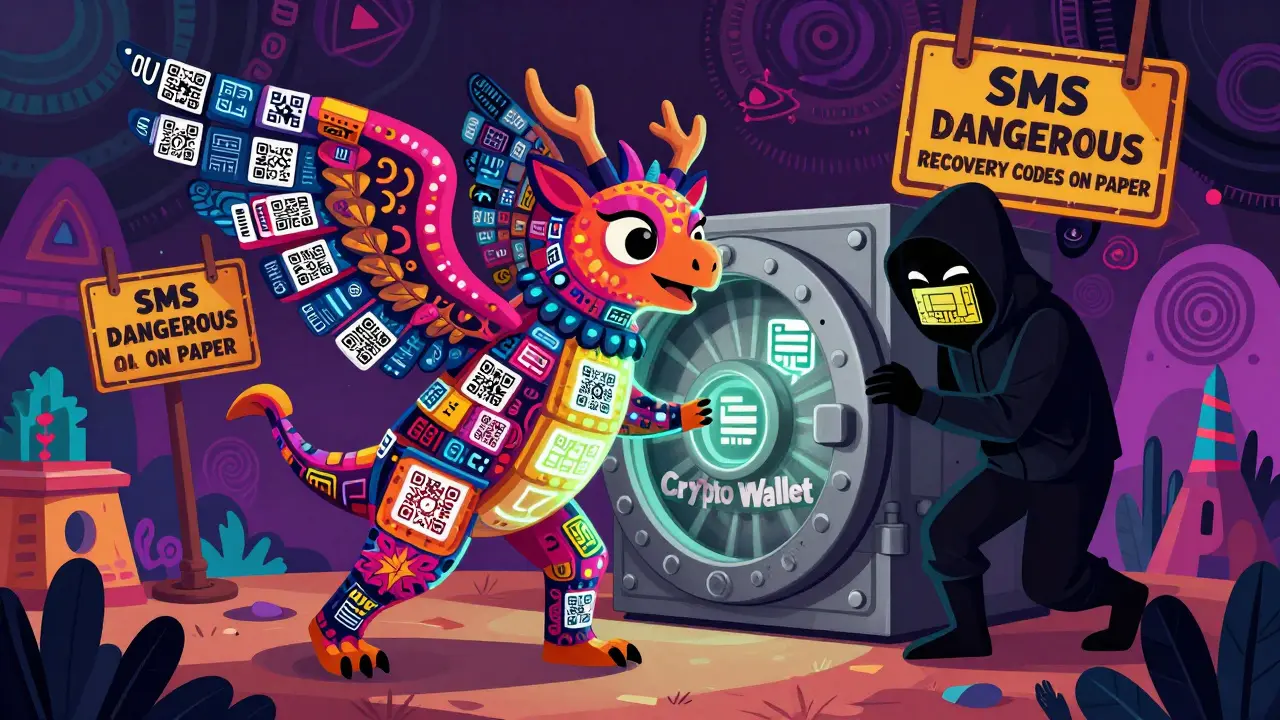
But not all 2FA is created equal. SMS-based codes? Avoid them. SIM swap attacks have stolen over $100 million since 2020. Hackers call your phone provider, pretend to be you, and transfer your number to a device they control. Suddenly, your text codes go to them. The Web3 Security Alliance calls SMS 2FA “fundamentally broken” for crypto. You need an authenticator app.
What You Need Before You Start
You don’t need anything fancy. Just three things:- Your exchange account (logged in)
- A smartphone with internet access
- An authenticator app - Google Authenticator, Authy, or Microsoft Authenticator
Don’t use SMS. Don’t use email. Don’t use “backup codes you’ll remember later.” The only reliable method is a time-based one-time password (TOTP) app. These apps generate a new 6-digit code every 30 seconds. The code is tied to a secret key only your phone and the exchange know. No internet needed. No phone signal needed. Just your device and the clock.
Authy is a good choice if you want cloud backups - but only if you use a strong password on Authy itself. Google Authenticator doesn’t back up, but it’s simpler and less prone to account recovery scams. Microsoft Authenticator works well on both Android and iOS. Pick one and stick with it.
Step-by-Step: Enabling 2FA on Any Exchange
The process is almost identical across platforms. Here’s how to do it:- Log in to your exchange account. You’ll likely need your password and a CAPTCHA. Some exchanges send a login alert to your email - approve it.
- Go to Security Settings. Look for a gear icon, your profile picture, or “Account Settings.” On most sites, it’s in the top-right corner. Click “Security,” then “Two-Factor Authentication” or “2FA.”
- Choose Authenticator App. You’ll see two options: “Authenticator App” and “SMS.” Select the app. Ignore SMS. Even if the site says it’s “optional,” pick the app.
- Scan the QR Code. Open your authenticator app and tap “Add Account” or “+.” Point your phone’s camera at the QR code on screen. If it doesn’t scan, tap “Enter Key Manually” and type the 16-32 character code shown below the QR code. Double-check every letter.
- Enter the 6-Digit Code. Your app will show a 6-digit number. Type it into the exchange’s verification box. Hit “Verify.” If it’s wrong, wait 30 seconds - the code refreshes. Don’t rush.
- Save Your Recovery Codes. This is the most important step. The exchange will give you 10-16 alphanumeric codes. These are your lifeline. If you lose your phone, or the app crashes, or you get locked out - these codes are the only way back in. Write them down. On paper. Not in a note on your phone. Not in a cloud drive. Not in an encrypted file you’ll forget about. Paper. Store it in a safe place. A drawer. A fireproof box. A trusted family member’s house. Do not skip this.
That’s it. The whole process takes about 2-5 minutes. Binance says 2 minutes 17 seconds for experienced users. First-timers? Maybe 5 minutes. But it’s worth every second.
What Happens After You Turn It On
Once 2FA is active, you’ll need to enter a new code every time you log in - or every time you withdraw crypto. Some exchanges only require it for withdrawals. Others lock you out without it entirely.Here’s what you’ll see on different platforms:
- Binance: 2FA required for withdrawals, not login. You’ll get a pop-up asking for your 6-digit code before sending any crypto.
- Crypto.com: 2FA required for both login and withdrawals. They have separate 2FA settings for the app and the exchange website - a common source of confusion. Make sure you’ve enabled it on both.
- Kraken: Requires 2FA for all sensitive actions. They also offer hardware keys (YubiKey) for advanced users.
- WEEX: Offers SMS, but strongly warns against it. Their support page says 90% of account compromises happen when users rely on SMS.
Always check your exchange’s security page. Settings change. Some platforms now require you to confirm 2FA every 30 days. Others send email alerts when a new device logs in. Pay attention to those emails. They’re your early warning system.
Common Mistakes (And How to Avoid Them)
People mess this up. All the time. Here’s what goes wrong:- Not saving recovery codes: 67% of users don’t. That’s why so many Reddit threads start with “I lost my phone and now I’m locked out.” You can’t reset 2FA without those codes. Binance, Kraken, and Coinbase all say the same thing: “We cannot recover your account without them.”
- Using cloud storage for codes: Google Drive, iCloud, Dropbox - if your device is hacked, so are your codes. Paper is safer.
- Using SMS: You’ve been warned. SIM swaps are real. They happen daily.
- Forgetting to enable 2FA on both app and web: Crypto.com users get tripped up here. Enable it on the website AND the mobile app. Otherwise, you’ll get errors connecting to third-party tools.
- Not testing it: After setup, try logging out and back in. Make sure the code works. Do it now. Don’t wait until you’re panicked.
One user on Reddit lost $8,500 because he threw away his recovery codes after his phone cracked. He thought he’d remember the password. He didn’t. The exchange couldn’t help. No one could. That’s the brutal truth: 2FA protects you from hackers - but only if you protect your backup.

What Comes Next? Beyond 2FA
2FA is the floor, not the ceiling. If you’re holding more than a few thousand dollars, consider going further:- Hardware security keys: YubiKey or Titan Security Key. These are physical devices you plug into your computer or tap with NFC. They’re immune to phishing and malware. Coinbase and Kraken already support them.
- Passkeys: The future. FIDO2 passkeys let you log in with your fingerprint or face ID - no codes needed. Kraken and others are testing them. They’re more secure than 2FA and easier to use.
- Multi-signature wallets: For large holdings, use a wallet that requires 2 of 3 keys to move funds. One key on your phone, one on a hardware device, one with a trusted friend.
But none of that matters if you don’t have 2FA turned on first. Start with the basics. Do this right, and you’ve already beaten 36% of crypto users who still don’t have it enabled.
What If You Lose Your Phone?
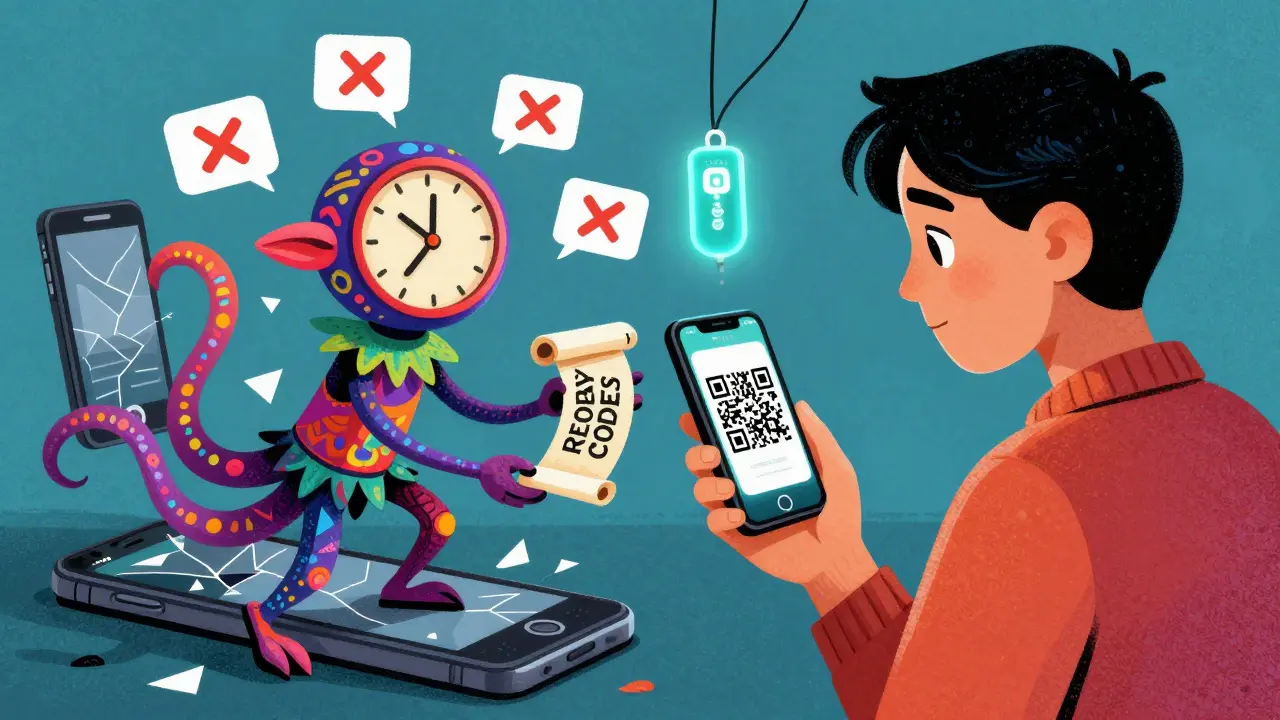
You’re not alone. Phones break. Phones get stolen. Phones get wiped. Here’s what to do:- Use your recovery codes. Enter one on the exchange’s 2FA recovery page. You’ll get one-time access.
- Immediately disable the old 2FA and set up a new one on your new device.
- Don’t panic. Exchanges don’t delete accounts for lost phones. They just won’t reset 2FA without the codes.
If you didn’t save your codes? You’re in trouble. Contact support - but don’t expect miracles. Most exchanges have no way to recover access without the codes. That’s by design. It’s not a flaw. It’s the point.
That’s why you write them down. That’s why you keep them safe. That’s why you don’t rely on memory.
Final Reminder: Security Is a Habit
Turning on 2FA isn’t a one-time task. It’s the start of a habit. Check your security settings every few months. Update your recovery codes if you switch phones. Don’t reuse passwords. Don’t click suspicious links. Don’t share your 2FA codes with anyone - not even “support.” Real support will never ask for them.There’s no magic tool. No app that makes you safe. Just consistency. You don’t need to be a tech expert. You just need to be careful. And right now, you’re one step ahead of most people.
Is SMS 2FA safe for crypto exchanges?
No, SMS 2FA is not safe for crypto exchanges. Hackers can perform SIM swap attacks to take over your phone number and receive your 6-digit codes. Since 2020, over $100 million in crypto has been stolen this way. Always use an authenticator app like Google Authenticator or Authy instead.
What if I lose my phone and didn’t save recovery codes?
If you lost your phone and didn’t save recovery codes, you likely won’t be able to recover your account. Most exchanges, including Binance and Kraken, state they cannot reset 2FA without those codes. This is intentional - it prevents social engineering attacks. Always store recovery codes on paper in a secure location.
Do I need 2FA for both the app and website?
Yes, if you use both. Crypto.com, for example, has separate 2FA settings for its mobile app and exchange website. Enabling it on one doesn’t activate it on the other. Check each platform individually to avoid being locked out when connecting third-party tools.
Can I use the same authenticator app for multiple exchanges?
Yes. Google Authenticator, Authy, and Microsoft Authenticator can store multiple accounts. Each exchange generates a unique secret key, so your codes won’t conflict. Just label each account clearly in the app (e.g., “Binance,” “Coinbase”) so you know which code belongs to which exchange.
Why do I keep getting “Invalid Code” errors?
This usually means your phone’s time is out of sync. Authenticator apps rely on precise time to generate codes. Go to your phone’s Settings > Date & Time and turn on “Set Automatically.” If that doesn’t fix it, try manually entering the secret key instead of scanning the QR code - sometimes camera focus issues cause errors.
Are hardware keys better than authenticator apps?
Yes, for high-value accounts. Hardware keys like YubiKey are immune to phishing, malware, and remote attacks. They require physical contact to authenticate. While authenticator apps are good enough for most users, hardware keys are the gold standard for anyone holding more than $10,000 in crypto.


10 Comments
Bro just turned on 2fa and now i can't even check my portfolio without my phone. Like what even is this? 🤦♂️
SMS is dead. I saw a guy get hacked last week because he used text codes. The hacker called his carrier, said he lost his phone, got the number transferred, and cleaned out his Binance in 12 minutes. We're all just waiting for our turn.
You don't need to be a genius to do this. Just write down the codes. On paper. Put it in an envelope. Done. Seriously, if you're still using SMS, you're just asking for trouble.
The fact that exchanges still offer SMS as an option is criminal. It's like selling a lock that opens with a key made of wet paper.
2fa is just the beginning. Once you get used to it, you realize how much of your digital life is just... floating. No anchor. No guard. I started using a yubikey after losing $3k to a phishing site. Now i feel like i'm finally awake. 🌅
I'm so glad someone finally explained this clearly. I was terrified to set it up because i thought i'd get locked out. But the recovery codes? Just write them down. I printed mine on cardstock and kept it with my will. Feels weird to say that, but it's true.
The 3.7x statistic is misleading. It's only true for exchanges with poor customer support. The real issue is user behavior. 80% of account takeovers happen because people reuse passwords. 2fa helps, but it's not magic. You still need to stop using 'password123' and 'ilovecrypto' as your password.
I use Authy with cloud backup. I know it's not perfect, but i have a 20-character password on Authy itself. And i never let anyone see my phone. It's not foolproof, but it's way better than SMS. And i've had zero issues in 3 years.
I live in a country where phone service is unreliable. I was worried 2fa wouldn't work... but the authenticator app doesn't need signal! I tested it on a plane, in a basement, even in a tunnel. It just works. Why didn't anyone tell me this sooner??
This is why america is falling behind. We have the tech. We have the knowledge. But we still let people use SMS because it's easy. We're not protecting our wealth. We're just making it easier for criminals to take it. Fix your systems. Fix your mindset.