
When you buy an NFT, you’re not really buying the image or video. You’re buying a token on the blockchain that points to something else - usually a file stored on IPFS. If that file disappears, your NFT becomes a broken link. And it’s happened to over 30% of NFTs minted in 2021. That’s not a bug - it’s a design flaw most creators never thought to fix.
IPFS - the InterPlanetary File System - was built to solve exactly this problem. It doesn’t store files in one place like Google Drive or AWS. Instead, it breaks them into chunks, hashes them, and lets anyone on the network help keep them alive. The magic? Every file gets a unique fingerprint called a CID. Change the file even a little? The CID changes. That means if someone tampers with your NFT’s artwork, you’ll know instantly.
Why IPFS? Because Blockchains Can’t Store Big Files
Blockchains like Ethereum are great at recording who owns what. But they’re terrible at storing images, videos, or audio. Storing just one 1MB file on Ethereum costs between $50 and $100. That’s why NFT projects don’t put the actual art on-chain. They put a tiny pointer - an IPFS link - instead.
Think of it like a library card. The card (your NFT) says "Book #QmXoypizjW3WknFiHnKLgGn8L9q2JQ8y8V7Z6J1vQ9tX2b". The book itself? It’s stored across thousands of computers worldwide. If one library burns down, another has a copy. That’s IPFS.
Over 78% of NFT collections use IPFS for metadata and media storage, according to DappRadar’s 2023 report. OpenSea, Rarible, Foundation - they all rely on it. Even Bored Ape Yacht Club stores its high-res images on IPFS. Why? Because it’s the only system that gives you permanent, verifiable access without relying on a single company.
How IPFS Works: No Servers, Just Hashes
Traditional websites use URLs like https://example.com/image.jpg. That tells your browser: "Go to this server, at this address, and grab the file."
IPFS flips that. It uses ipfs://QmXoypizjW3WknFiHnKLgGn8L9q2JQ8y8V7Z6J1vQ9tX2b. That’s not a location. It’s a hash - a unique fingerprint of the file’s exact content. If you change one pixel in the image, the hash changes. If someone copies the file and alters it, the hash won’t match. That’s how you know it’s the real thing.
When you upload a file to IPFS, it gets split into 256KB chunks. Each chunk gets its own hash. Those hashes are stitched together into a tree, and the root hash becomes your CID. The file is then shared across any node on the network that wants it. No central server. No single point of failure.
But Here’s the Catch: IPFS Doesn’t Automatically Save Your Files
This is where most people mess up.
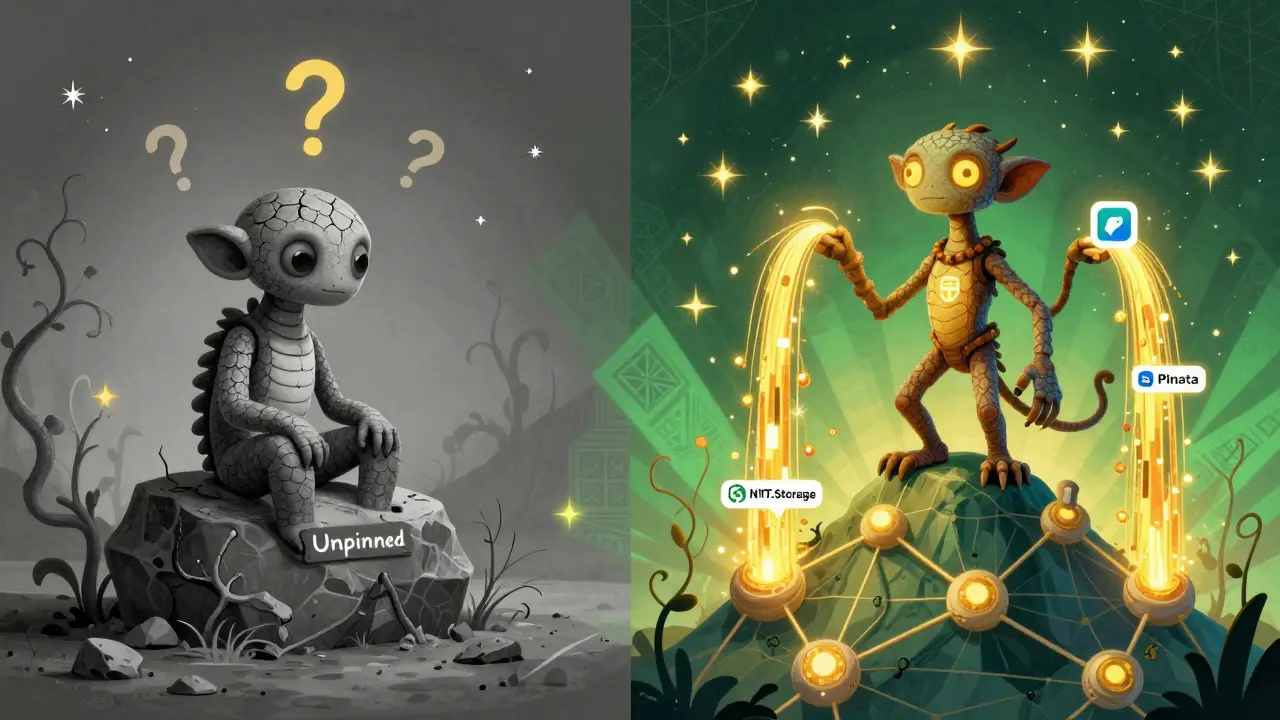
Just uploading your NFT art to IPFS doesn’t mean it’ll stay there forever. Nodes only keep files they care about. If no one is "pinning" your file - meaning actively storing and sharing it - it can vanish after a few weeks. That’s what caused the 32.7% link rot rate in Stanford’s 2022 study.
You need to pin your content. There are two ways:
- Self-hosted pinning: Run your own IPFS node 24/7. Requires technical skill, steady internet, and server costs.
- Commercial pinning services: Pay a company like Pinata, NFT.Storage, or Filebase to keep your files alive.
NFT.Storage, run by Protocol Labs (the team behind IPFS), offers free pinning for up to 5GB. That’s enough for 10,000 small NFTs. Pinata charges $19/month for 1TB. Both services guarantee uptime and even offer API tools so you can automate uploads.
Here’s the reality: if you’re not pinning, your NFTs are already dying. A Reddit user lost $15,000 in NFT value because they stopped manually pinning after a month. Their images started 404ing. No one noticed until collectors complained.
How to Actually Use IPFS for Your NFTs
There are two paths: one for creators, one for developers.
For Creators (No Code Needed):
- Use a minting platform like OpenSea, Foundation, or Magic Eden. They handle IPFS automatically.
- Upload your image, metadata, and traits. The platform uploads everything to IPFS behind the scenes.
- Check the "View on IPFS" link after minting. If it loads, you’re good.
- For extra safety, use NFT.Storage or Pinata to manually pin your collection after minting.
For Developers (API Integration):
- Use the IPFS HTTP API or a library like
ipfs-http-clientin Node.js. - Upload your JSON metadata (name, description, image URL) and media files.
- Get back the CID for each file.
- Embed the CID into your smart contract as the image URI:
ipfs://Qm... - Use a pinning service API (like Pinata or NFT.Storage) to ensure persistence.
Most NFT projects use a JSON schema like this:
{
  "name": "CryptoPunk #8877",
  "description": "A rare punk with a beard and hat.",
  "image": "ipfs://QmXoypizjW3WknFiHnKLgGn8L9q2JQ8y8V7Z6J1vQ9tX2b",
  "attributes": [
    {"trait_type": "Hat", "value": "Beanie"}
  ]
}
The "image" field is the key. It must be an IPFS CID. Not a URL to a website. Not a link to AWS. Only a CID.
IPFS vs Alternatives: Arweave, Filecoin, AWS
Is IPFS the only option? No. But it’s the most widely used.
| Service | Storage Model | Cost | Persistence | Best For |
|---|---|---|---|---|
| IPFS | Content-addressed, distributed | Free (with pinning service) or $19+/mo | Requires active pinning | Most NFT projects, open ecosystems |
| Arweave | Pay once, store forever | $10-$50 per NFT (one-time) | Guaranteed 200+ years | High-value art, collectors who want permanence |
| Filecoin | Decentralized marketplace | Pay in FIL tokens | Contract-based, requires renewal | Projects already using Filecoin ecosystem |
| AWS S3 | Centralized cloud | $0.023/GB/month | Depends on company staying alive | Not recommended - 90% of centralized NFTs broke in 2022 |
Arweave is growing fast. It charges a one-time fee for "permanent" storage. But it’s not as flexible. If you need to update your NFT’s metadata later, IPFS lets you mint a new CID. Arweave doesn’t allow changes - ever. That’s great for art, terrible for games or evolving collections.
Real Risks and How to Avoid Them
IPFS isn’t magic. It has real flaws.
- Public by default: Anyone can see your files. If your NFT has private info (like a real name or email), don’t store it on IPFS.
- Gateway dependence: Most wallets and marketplaces use public gateways like
cloudflare-ipfs.com. If Cloudflare goes down, your NFTs might not load - even if the files are still on IPFS. - CID version confusion: Older CIDs (v0) use SHA-256. Newer ones (v1) use SHA3-256. Mixing them can break links. Always use v1.
- Slow uploads: Uploading 10,000 NFTs can take hours. Use batch tools or services like NFT.Storage’s API.
The fix? Three simple rules:
- Always pin. Never trust automatic uploads alone.
- Use multiple pinning services. If one fails, another has your files.
- Test your links. Open your NFT’s IPFS URL in a browser. If it loads, you’re safe.
One creator, "CryptoPunkArtist," uploaded 10,000 NFTs using NFT.Storage for free. Fourteen months later, every image still loads. No downtime. No lost revenue. Why? Because they used the free tier and double-checked every CID.
The Future: Verifiable Storage and Automatic Pinning
IPFS is evolving. In late 2023, NFT.Storage launched "Verifiable Storage" - a feature that records your file’s hash on the Filecoin blockchain. Now you can prove, cryptographically, that your file is stored somewhere.
Optimism’s "NFT Resurrection" protocol, announced in September 2023, will automatically repin NFTs using transaction fees. If your NFT’s file disappears, the system will detect it and restore it - no manual work needed.
These aren’t gimmicks. They’re fixes for the biggest weakness in NFT storage: human error.
As Delphi Digital put it in October 2023: "IPFS will remain dominant for at least five years." But only if creators stop treating it like a one-click solution. It’s not. It’s infrastructure. And infrastructure needs maintenance.
Final Advice: Don’t Just Mint. Preserve.
Your NFT isn’t valuable because of the blockchain. It’s valuable because the art, the metadata, the story - all of it - still exists.
IPFS makes that possible. But only if you do your part. Upload. Pin. Verify. Repeat.
Don’t wait until your NFTs vanish to learn this lesson. Check your links today. Pin your collection. Use NFT.Storage. Use Pinata. Use both. Your future collectors will thank you.
What happens if my IPFS file disappears?
If your file isn’t pinned, it can be deleted by nodes that don’t store it. Your NFT will still exist on the blockchain, but the image or metadata will show as broken (404 error). Once gone, it’s nearly impossible to recover unless you have a backup. Always use a pinning service.
Is IPFS safe for private NFT data?
No. IPFS is public by design. Anyone with the CID can download your file. Never store personal information, emails, or private keys in IPFS metadata. Use encrypted off-chain storage for sensitive data, and only link to it via a secure, permissioned system.
Can I update an NFT’s image after minting?
Not easily. NFTs are immutable on-chain. If you change the image, you must generate a new CID and update the smart contract - which requires code access. Most platforms don’t allow this. Plan your assets ahead of time. If you need updates, consider using IPNS (InterPlanetary Naming System), but it’s complex and rarely used in practice.
Do I need to pay to use IPFS for NFTs?
You don’t pay IPFS directly. But you need pinning. NFT.Storage offers free pinning for up to 5GB. Pinata charges $19/month for 1TB. If you’re minting under 10,000 NFTs, the free tier is enough. For larger collections, pay for reliability.
Why do some NFTs show "Loading..." forever?
This usually means the IPFS gateway is down or slow. Try opening the CID directly in your browser using https://ipfs.io/ipfs/[CID]. If it loads there but not on OpenSea, the problem is the marketplace’s gateway. Switch to another gateway like dweb.link or cloudflare-ipfs.com. If it doesn’t load anywhere, your file wasn’t pinned properly.